
Log Output
The Log Output tab is used to set up the various error logs that you may be asked to submit if you file a support ticket to [email protected].
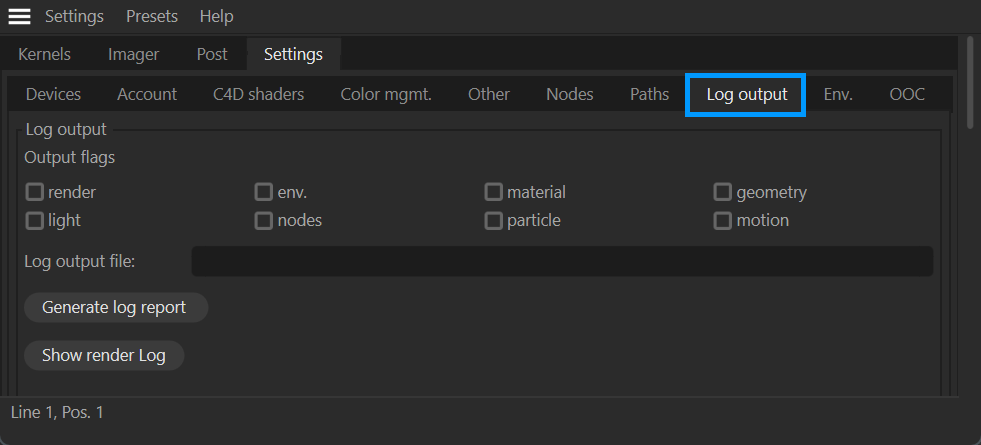
live viewer — log output tab
Log Output
You can use this option to keep track of logs in various categories:
Render
Environment
Material
Geometry
Light
Nodes
Particle
Motion
Log File
The file path location of the log file generated by the Log Output settings.
Generate Log Report
This option will generate a log report based upon the Output settings.
Show Render Log
This option displays the Log information related to Render. You can save and use this log information in case of any errors. Technical support may ask to generate a log to help resolve any issues you may have.