
Vectron Texture Displacement
The Vectron Displacement node displaces a Vectron or a Volume SDF with an input texture. It functions in real time, at any scale, and is compatible with Vectron SDF objects.
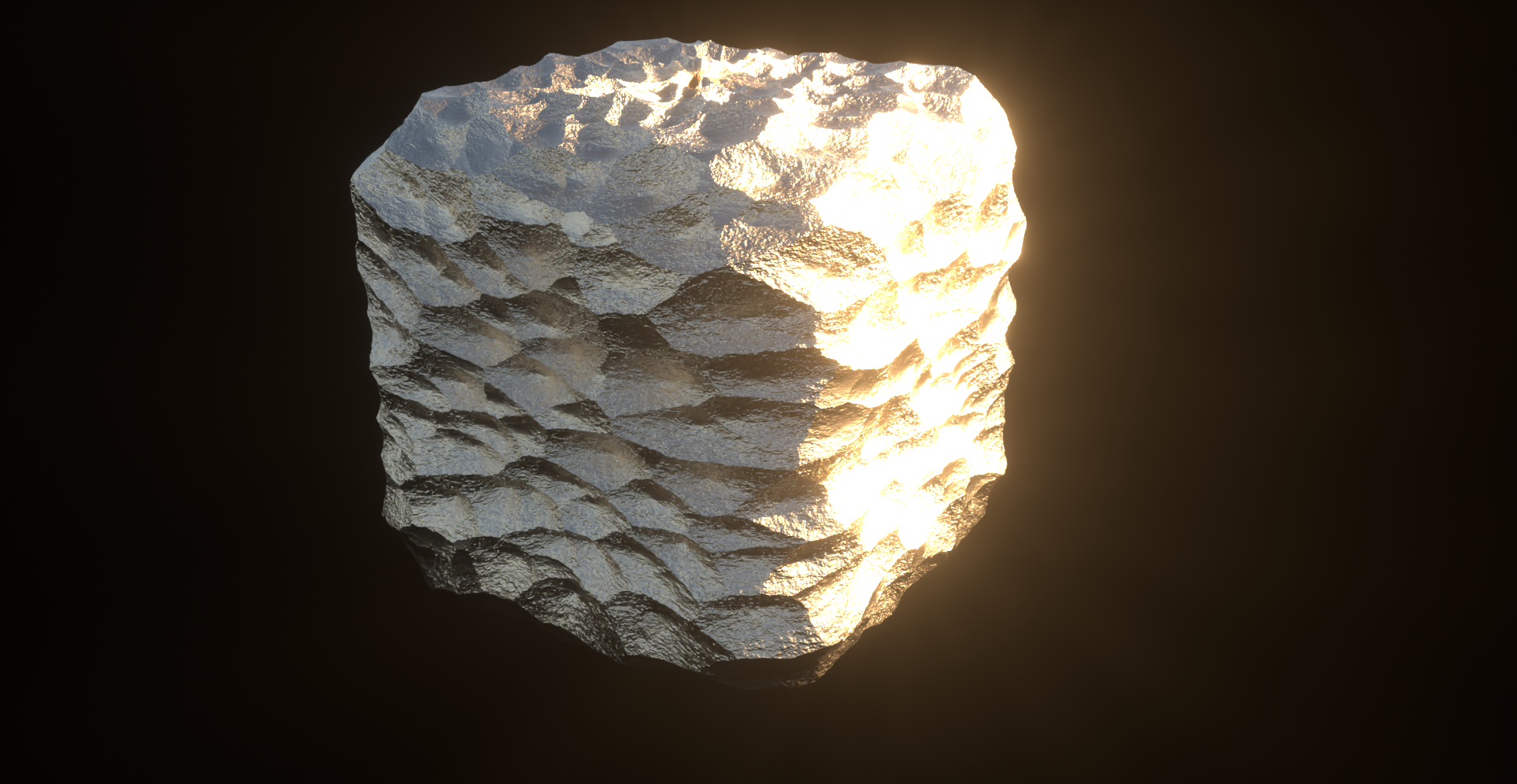
vectron displacement
The Vectron Displacement node can be accessed from Live Viewer > Vectron > Vectron Displacement. A Vectron Displacement object will be added to the Cinema 4D Object Manager. Parent Vectron SDF objects to the Vectron Displacement node so these objects can displaced.
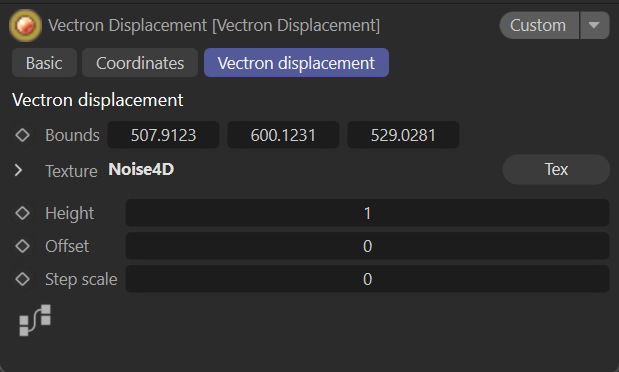
vectron displacement
Vectron Displacement Parameters
Bounds — Determines the bounds of the Vectron geometry in centimeters.
Texture — Use an Image Texture or Generator to drive the value for displacement.
Height — Amplitude of the displacement, inward or outward.
Offset — Moves the base surface inward or outward.
Step Scale — The scale factor applied to the marching step. If the distance field is highly distorted, use a lower value to avoid steep gradients in the result.