
Context Menu
To access the Context Menu, select any material in the LiveDB and right-click. The options for the menu are:
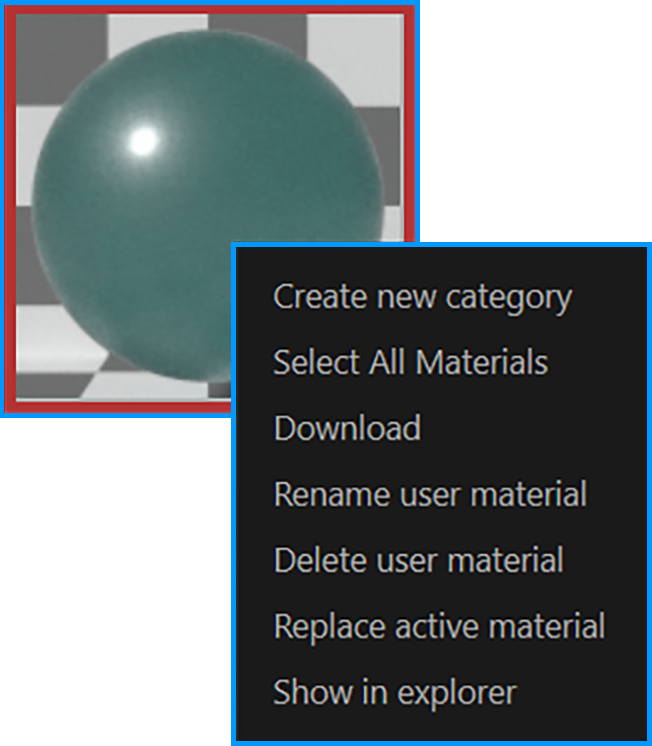
context menu
Create New Category
Create a category for materials for both LiveDB and Local DB. Creating a new category in Live DB is discussed in the Download & Upload Material section.
Select All Materials
Selects all the materials in the corresponding category.
Download
This option will download the selected materials into the Cinema 4D Material Manager.
Replace Active Material
This option will replace the active material in the Cinema 4D Material Manager with the Octane material selected in the LiveDB.
Delete User Material
This option will delete the selected material.
Show in Explorer
Show the location of the selected material in Windows Explorer or the Finder on the Macintosh.