
Display Settings
The settings in the Display tab will determine how the clones are displayed and what colors the Octane Scatter object will display clone objects in the viewport:

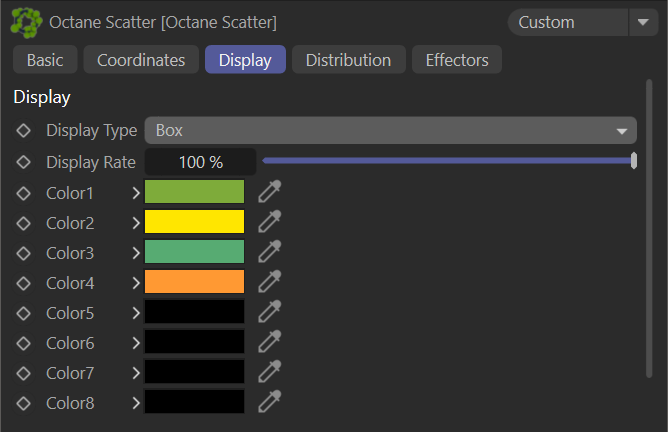
octane scatter — display tab
Display Type
The Display Type sets the appearance of clones/instance objects. Some of the types are shown in the following illustration.

octane scatter — display type
IMPORTANT: For scenes with high scatter counts, set the Display Type option to None. Doing so will bypass Cinema 4D viewport handling mechanisms, allowing Octane a wide-open pipe to get the scatter objects directly to the Live Viewer, for maximum performance.
Display Rate
The Display Rate slider allows for the change the frequency of clone/instance visibility. In many cases it is not necessary to see detail in the viewport. Remember to set this value to 100% before the final render.
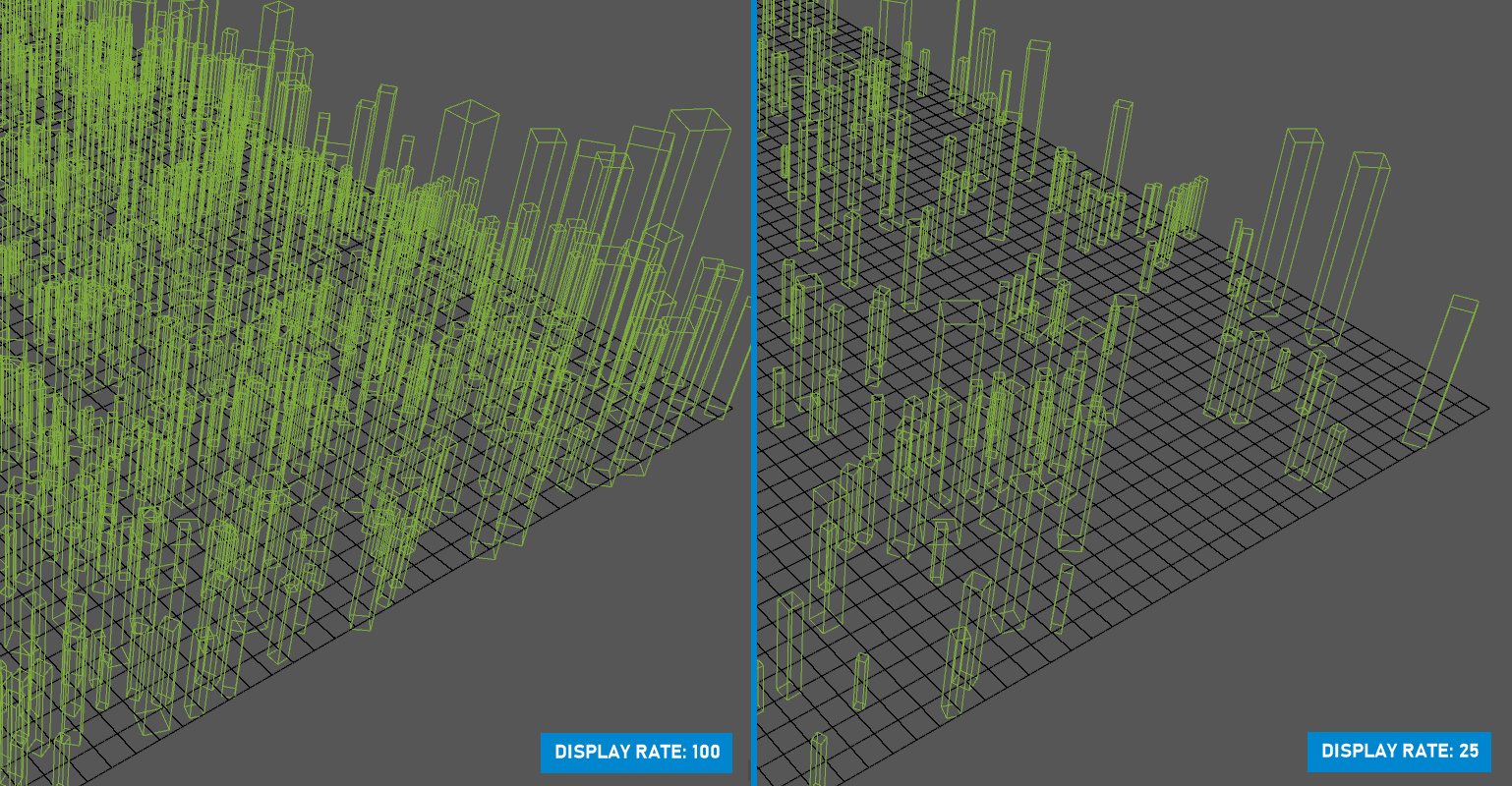
OCTANE SCATTER — DISPLAY RATE
Color swatches
This option will set the colors of the clones in the viewport.