
Instance Highlight
The Instance Highlight node can be used to highlight a specific instance ID from a Cloner or Octane Scatter output. In this example, the color Red is applied to one of the items in a Cloner output.


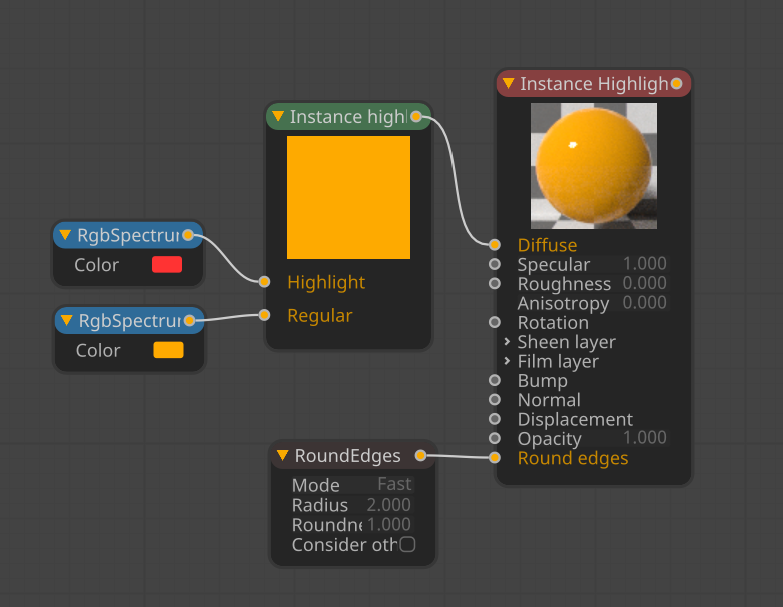
instance highlight
NOTE When using the Cinema 4D Cloner, the Insance Mode in the Cloner needs to be set to Multi-Instance when using the Instance Highlight node. The Octane Scatter object does not have that requirement.
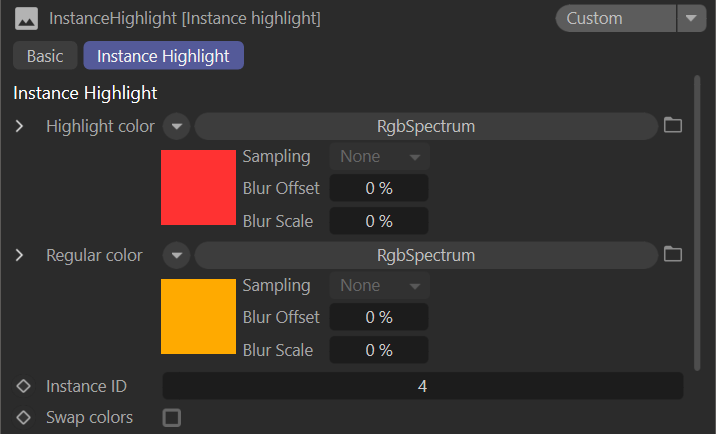
Instance Highlight Parameters
Highlight Color — The color for the specified ID to highlight.
Regular Color — The color of all the other instances.
Instance ID — The ID number for the highlighted instance.
Swap Colors — Swaps the highlighted color and the regular color.