位图
Bitmap 节点使用 Cinema 4D 的原生"图像加载器"。OctaneRender® Image Texture
节点是图像加载操作的更好选择,应该使用它,因为它执行了 Bitmap 节点无法使用的各种优化。使用 Octane Image Texture 节点的 VRAM 使用也更加高效。
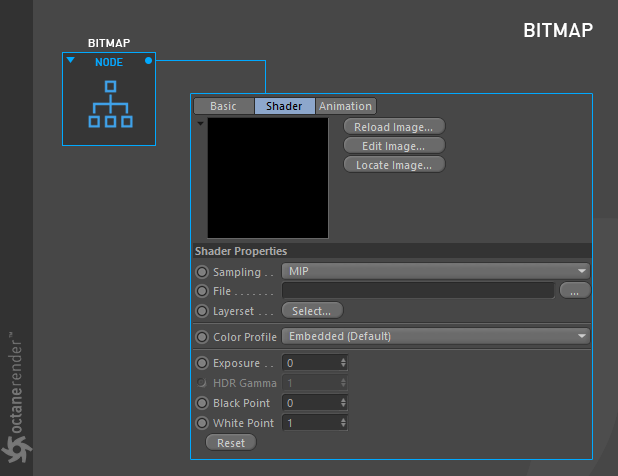
#### 使用方法
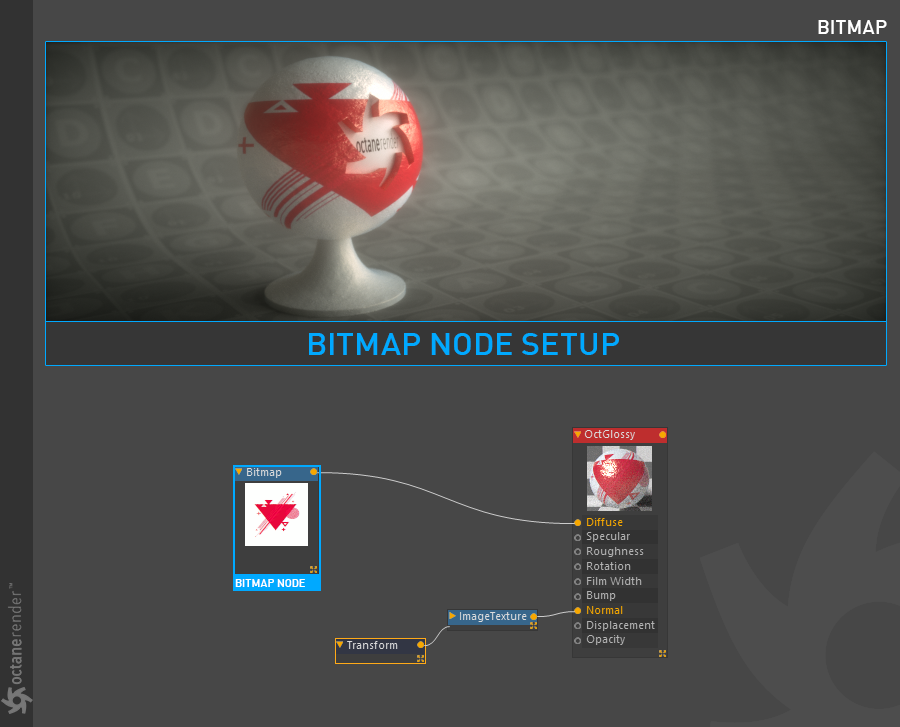
打开 Node Editor 并按照下图准备设置。在这里,"Bitmap"节点连接到材质的 diffuse 通道。Cinema 4D 纹理变换工具用于对 Bitmap
节点进行纹理变换操作。此外,您可以使用经典材质窗口中的 layer shader,从效果中选择"transform"。作为投影,您也可以从 Object Manager 中的 Material Tag 调整材质。这些都是
Cinema 4D 的原生工具,在 Cinema 4D 帮助文件中有描述。
也可以将 Bitmap Node 与原生 Octane 纹理节点一起使用。例如,您可以将"Bitmap"与 Color Correction、Clamp
texture、Invert、Mix、Multiply、Add、Subtract 和 Compare 等节点一起使用。